Remote Agents
Run BlackBox agents remotely from the browser using BlackBox Cloud. Start tasks, track progress, and raise pull requests with the proposed code changes.
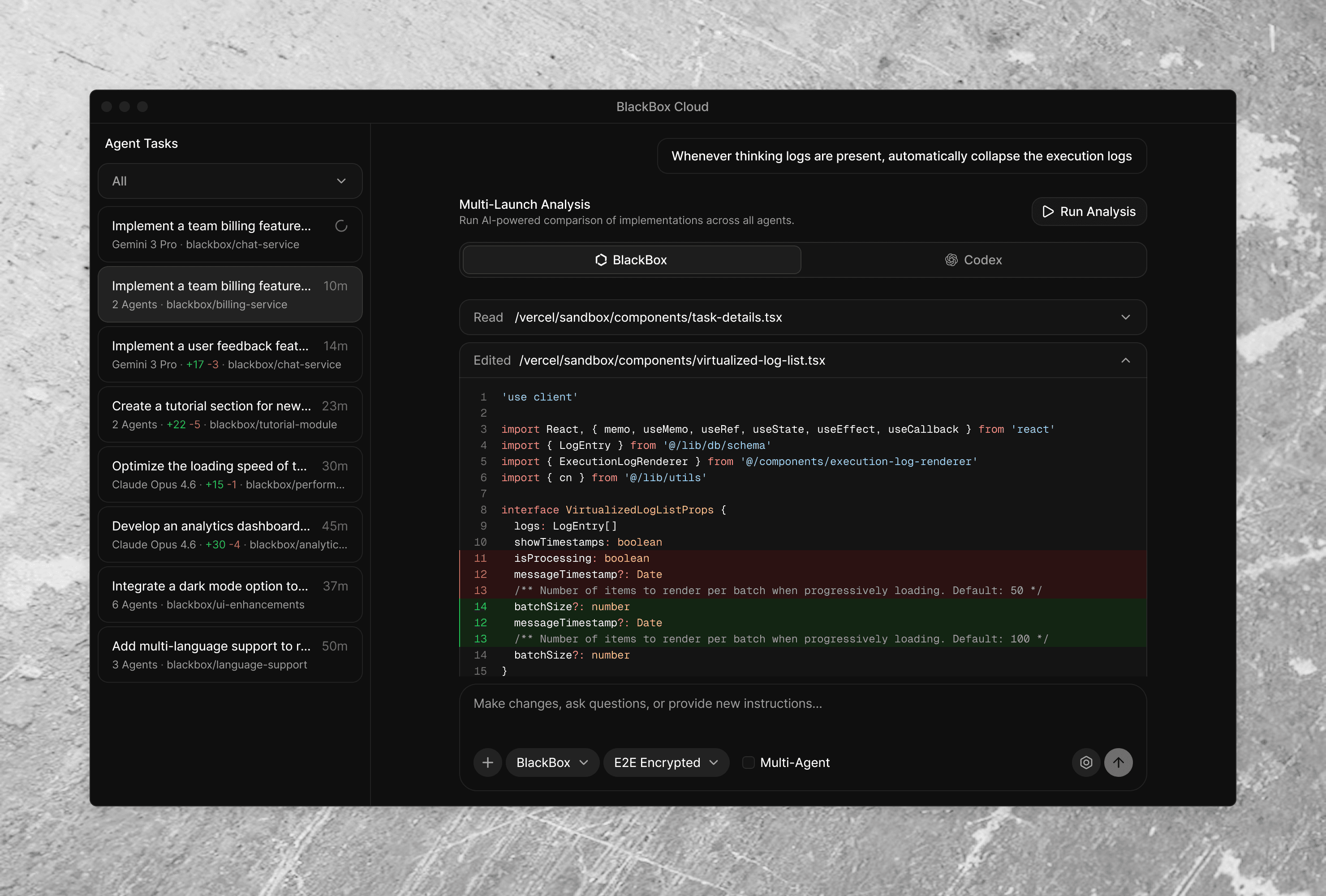
Parallel Execution
Run multiple agent tasks at the same time across different repositories.
Collaboration
Let team members start agent tasks and view progress from a shared workspace.
Quality Assurance
Review generated code changes before raising pull requests.
Any Scale Repos
Work with both small projects and larger repositories.
Meet Your Remote Development Agents
Run powerful AI agents directly against your codebase. Securely, remotely, and in parallel.

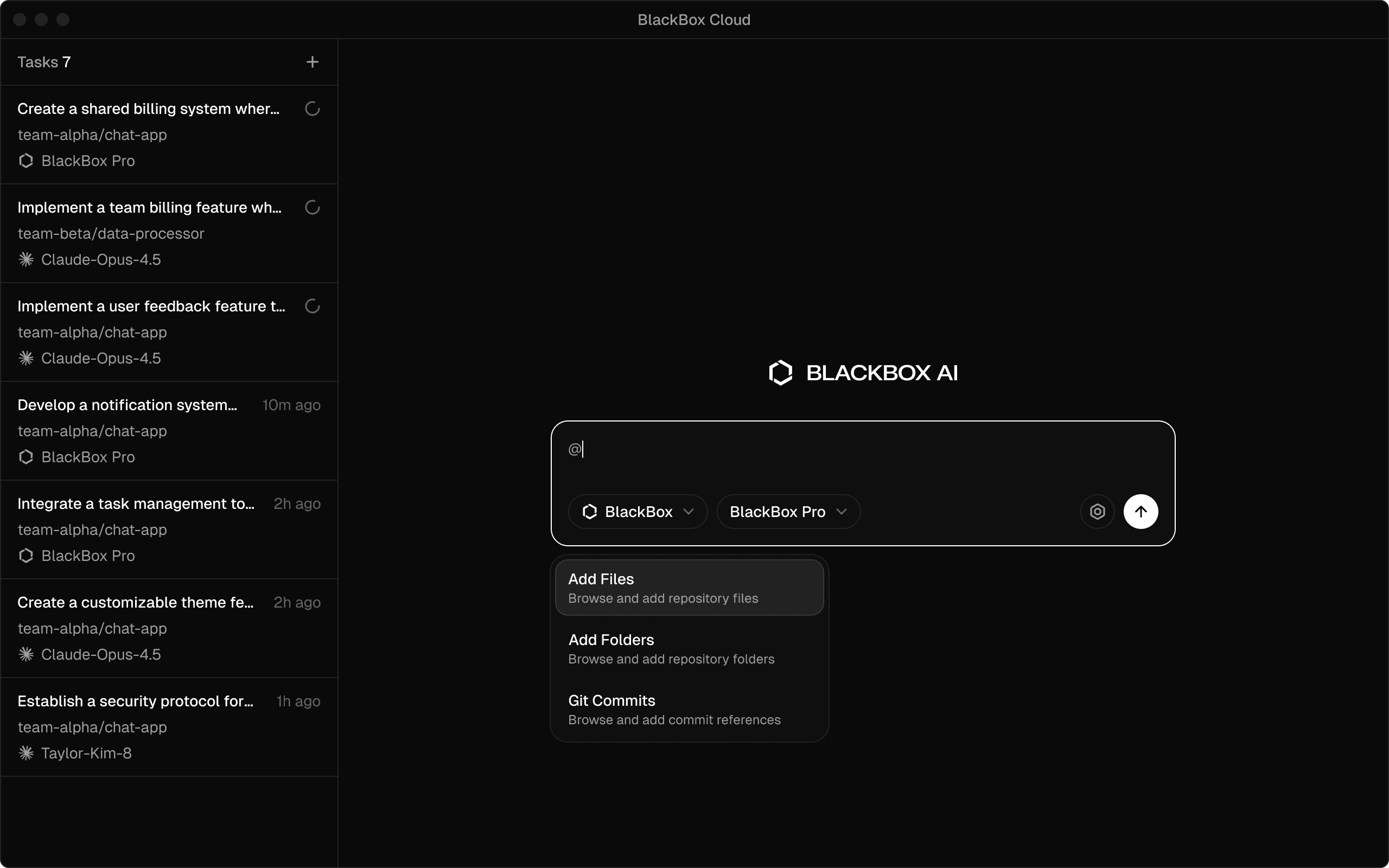
Context Control
Blackbox Cloud lets users provide focused context by choosing specific files, folders, or Git commits for each task. Agents get only what they need, resulting in faster and more accurate execution.
01
File Selection. Choose individual files to focus on specific code or configurations.
02
Folder Inclusion. Include directories for broader component views.
03
Git Commit Reference. Use commits for historical or baseline context.
04
Custom Combinations. Mix elements to match task complexity.
05
Preview and Validate. Review selected context before execution.
Agent Orchestration
Run Multiple Agents at the Same Time
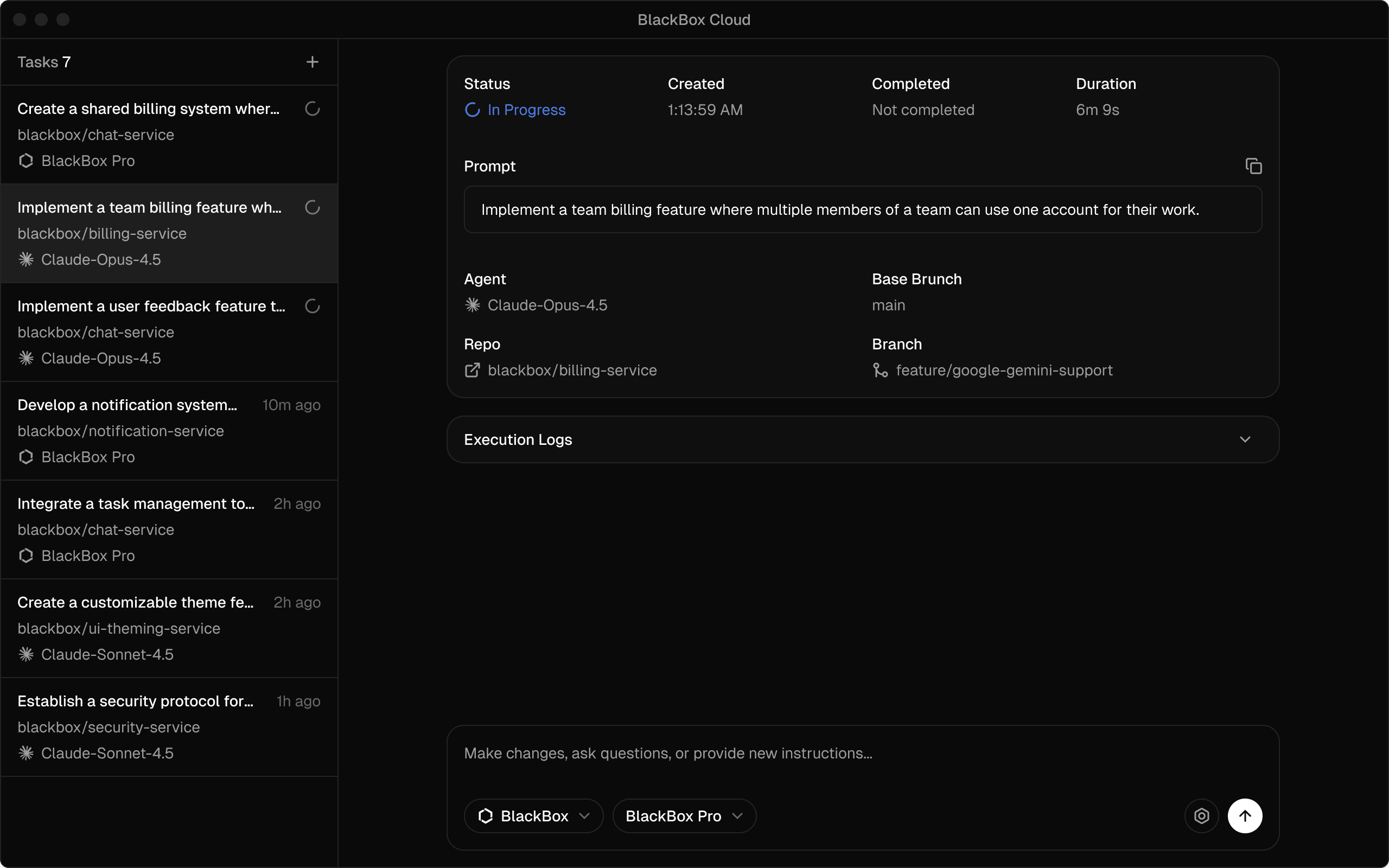
BlackBox Cloud lets you run several agent tasks in parallel. Each task runs independently and tracks its own status against your repository. This includes
01
02
03
Run tasks in parallel so work can continue without waiting for one task to finish before starting another.
Execution Visibility
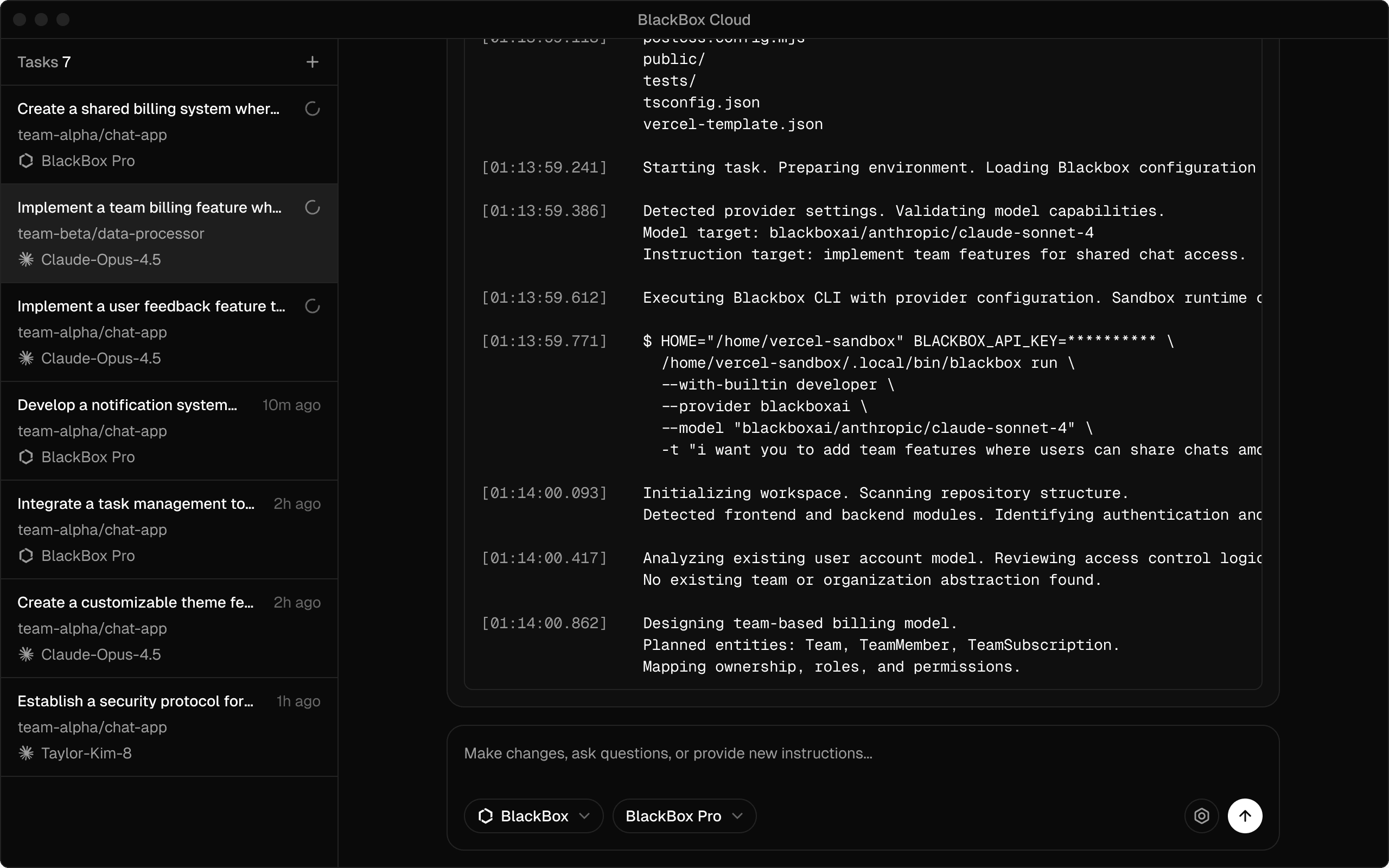
Real-Time Execution Monitoring
01
Live Execution View. Watch commands, logs, and file changes as the agent runs tasks.
02
Progress Feedback. Receive continuous status updates on task completion.
03
Concurrent Task Handling. Run multiple tasks in parallel and track their progress individually.
Automatic pull requests and parallel agent execution help keep reviews organized and experiments contained.
Select Agent and Models
Choose at least 2 agents. Each will run independently
and the results will be compared.
Claude
Claude Opus 4.5
BlackBox
BlackBox Pro
Codex
Gemini
2 Agents Selected
Confirm
Run Multiple AI Agents in Parallel
Execute the same task with different agents at the same time to compare outputs and approaches. Each agent runs independently so results don’t interfere with each other.
src/core/settings/browser/utils/parseHotkey.ts
214
-
return parsed;
214
+
return String(parsed);
BlackBox
Bot
5m ago
Bug: Hotkey parser returns number in edge cases
Some inputs cause the hotkey parser to return a number rather than a string, which breaks strict comparisons in downstream logic. Converting the result to a string guarantees consistent output, improves type safety, and prevents subtle execution errors.
Fix in Web
Cancel
Automatic Pull Requests
Each task creates its own branch and pull request. Changes stay scoped to the task, making reviews easier and reducing manual setup.
Team Features
Blackbox Cloud enables seamless team collaboration by allowing users to create teams and invite team members to work together on projects.
Team Creation
Team Member Invitations
Collective Development
Task Assignment to Agents
Shared Visibility