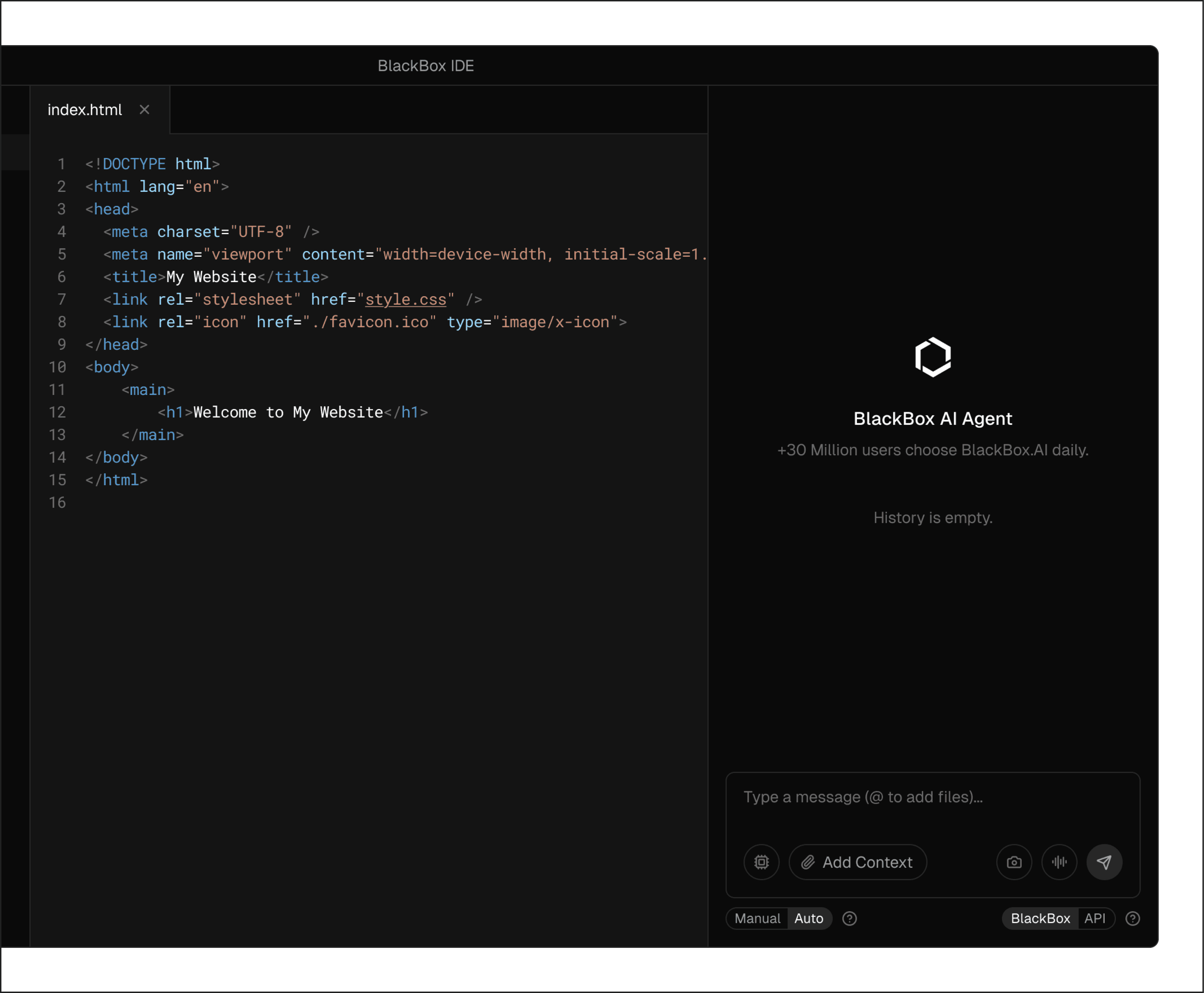
BlackBox AI IDE brings AI into your editor so you can work directly with your code. It understands your project structure, helps you generate and edit code, and answers questions using the files you already have.
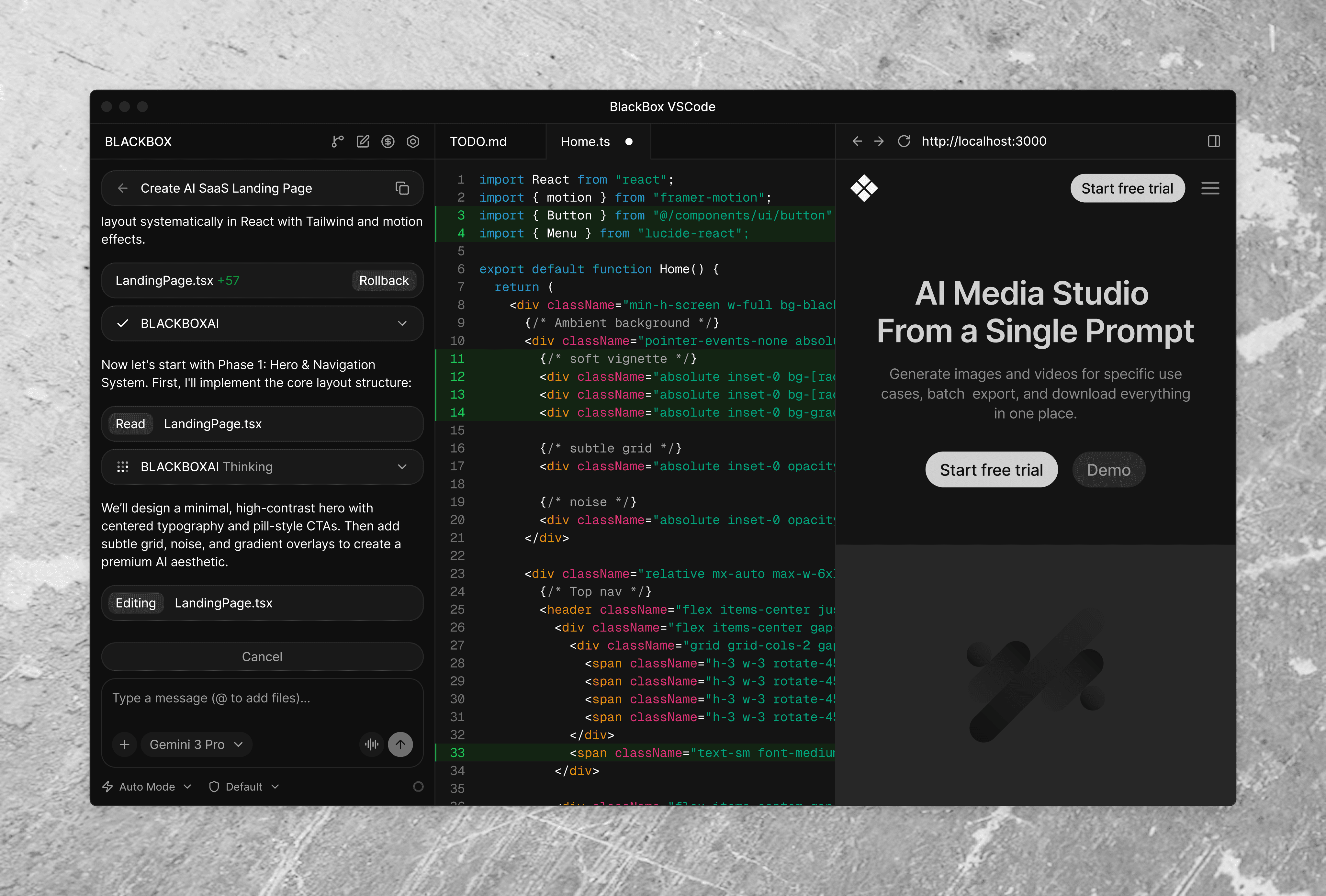
Understands project context
The agent reads your files and structure before making changes, so updates are based on your actual code.
Updates multiple files together
The agent can modify related files together when a task requires coordinated changes across the codebase.
Executes tasks step by step
The agent follows a task description and applies the necessary code changes in a clear, ordered flow.
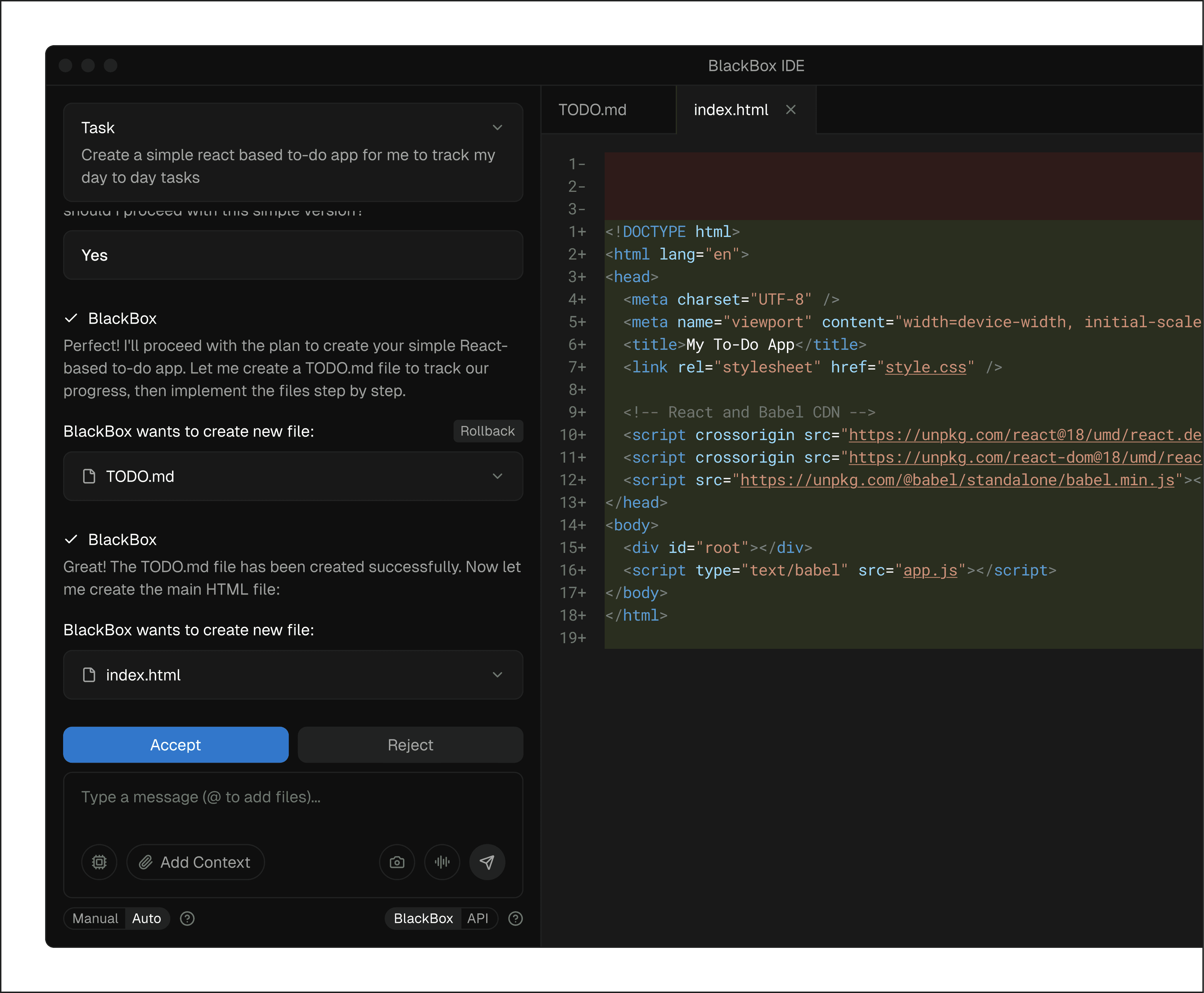
Manual Mode:
Full Supervision
Stay in complete control of what the AI does with manual mode.
-
Review every change before implementation.
-
Approve or reject AI suggestions.
-
Maintain full oversight of your codebase.
Seamless Credit Management
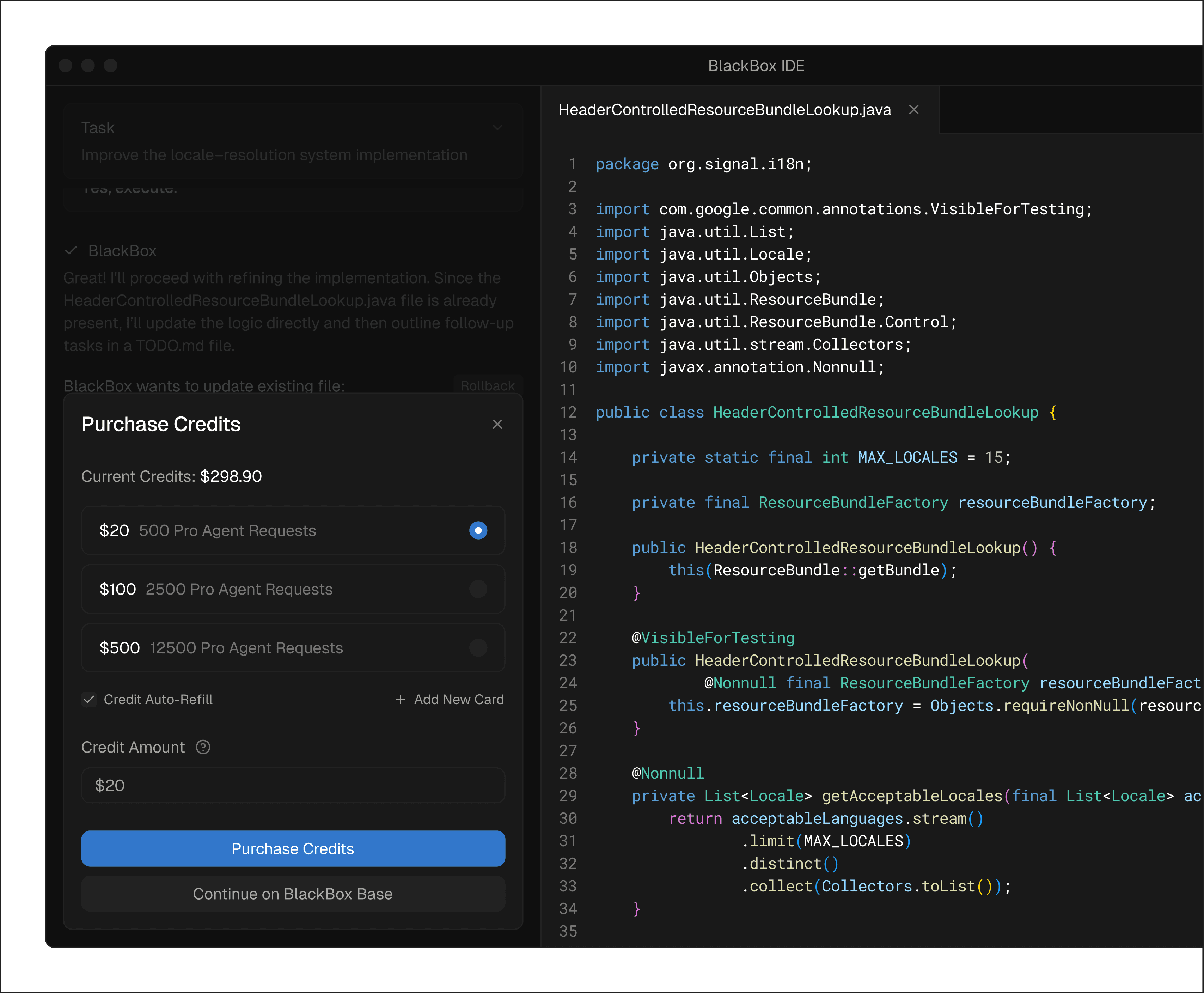
Seamless Credit Management
Never let credits interrupt your workflow.
-
Real-Time Monitoring: See your credit balance.
-
Instant Top-Up: Buy more credits without leaving the IDE.
-
Uninterrupted Work: Continue coding without disruption.
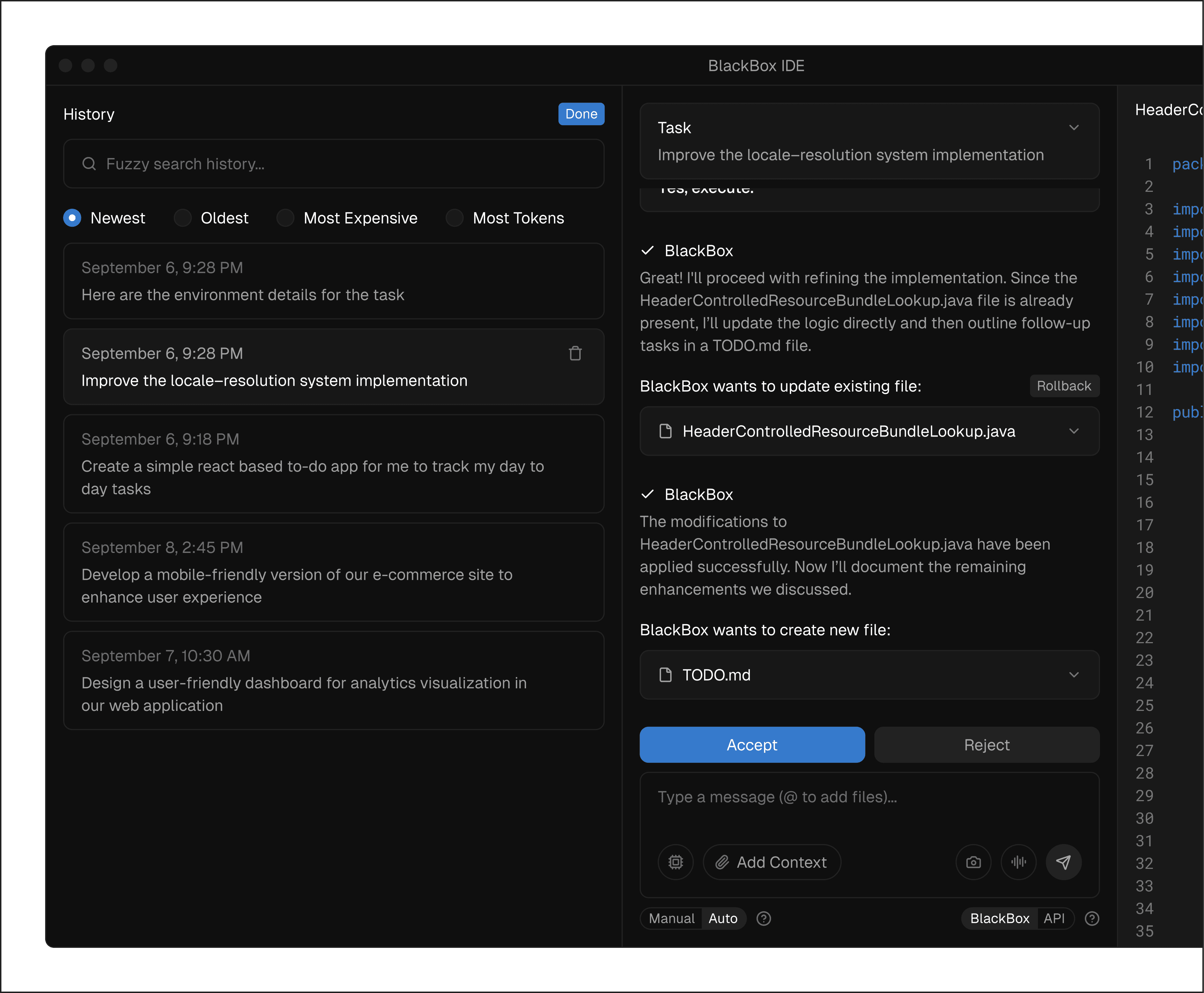
Powerful History Feature
Powerful History Feature
Never lose track of your work with comprehensive history tracking.
-
Chat History: Review all previous conversations.
-
Version Control: Track changes and revert if needed.
-
AI Agent Interactions: See what the AI has done.
-
Learning Tool: Understand how problems were solved.
Get Started
in 30 Seconds
Install BlackBox AI IDE and accelerate your workflow from the first launch.
/01
Launch the IDE
Open the BlackBox AI IDE on your machine. The app starts immediately and loads your workspace.
/02
Sign in to your account
Use the connect option to link your BlackBox account so the IDE can access models.
/03
Start working with your code
Open a project and begin asking questions, editing files, or applying changes using the agent.